Almost everything in security runs on Linux or talks to something that does. Web servers, firewalls, containers, cloud instances, and most of the tools you will ever use as a tester or an analyst.
This course does not teach Linux as a list of commands to memorize. It teaches it by making you live in it, across both major families: Debian based systems including Kali and Ubuntu, and Red Hat Enterprise Linux with Rocky as a stand in.
Starting From Zero
The first weeks assume nothing at all. What Linux is and where Kali fits in, running it in a virtual machine or from a live USB or in the cloud, first boot, first login, and the first update.
Then the desktop itself: the panel, the applications menu, workspaces, keyboard shortcuts, settings, and the file manager. This part gets skipped in most Linux training, which is a mistake for beginners. Being lost in the interface is a real barrier and it is easy to remove.
The Terminal and the Filesystem
What a terminal and a shell actually are, your first commands, and how to get help with man, --help, and tldr. Learning to read a manual page is a skill in its own right and it pays for itself immediately.
Then the filesystem hierarchy: what lives in /etc, /var, /home, /usr, and why. Absolute versus relative paths, the working directory, and hidden files.
After that the navigation and file operations that become muscle memory: ls, cd, pwd, tree, mkdir, touch, rm, cp, mv, find, and locate. Then reading files with cat, less, head, and tail, and looking inside any file at all with file, strings, xxd, and hexdump, which is a genuinely useful security skill.
Editing gets both options. nano because it is easy, and a gentle start with vim because sooner or later you will be on a box that only has vim.
Permissions, The Part Everyone Gets Wrong
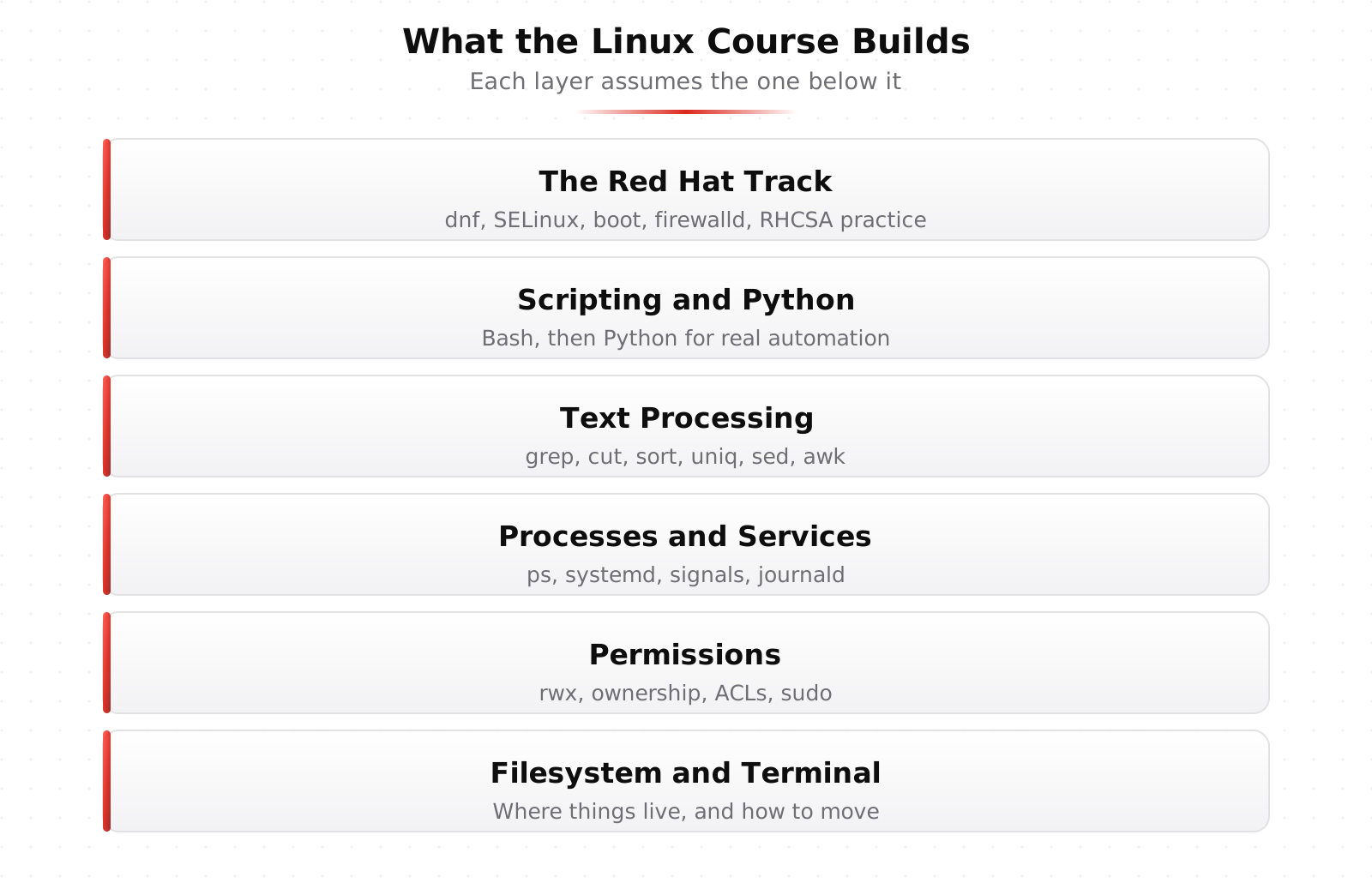
Users, groups, and the root account. Reading the ten character permission string until it is instant. Changing permissions and ownership with chmod and chown. Sharing files properly using groups, the setgid bit, and umask. Fine grained access with ACLs through getfacl and setfacl.
There is a whole lesson on why chmod 777 is a trap, because it is the single most common piece of bad advice on the internet. It makes the error message go away and leaves a real problem behind.
Then running as root safely with sudo. This is the material that Week 3 of the mentorship builds directly on.
Packages, Processes, and Services
How apt and the package system work, installing and removing and searching, and keeping a rolling release like Kali up to date without breaking it.
Then processes: what one actually is, inspecting them with ps, top, htop, pgrep, and the /proc view, and stopping or signaling them with kill, jobs, fg, and bg. Then services and systemd, starting with systemctl basics.
Being able to answer what is running, why, and who started it is a large part of both system administration and incident response.
The Shell as a Tool
Variables, quoting, and the environment. Redirection and pipes. Globbing and wildcards. History, tab completion, and the shortcuts that make the command line fast instead of tedious.
Then text processing, which is where Linux earns its reputation. grep for searching, cut and sort and uniq and wc for shaping data, sed for stream editing, and awk for field processing.
That toolkit is exactly what the mentorship uses in Week 5 to turn messy exports into clean audit evidence, and what you use every day in log analysis.
Networking, Transfer, and Scheduling
How networks work from the Linux side with the ip command, name resolution with dig, seeing what is listening, fetching things with curl and wget, remote access with SSH and keys, packet capture with tcpdump and tshark and Wireshark, and controlling traffic with firewalls.
Then moving data: tar, compression with gzip and bzip2 and xz and zip, scp and sftp, rsync, and putting it together into real backups.
Then scheduling: one off jobs with at, recurring jobs with cron, the system cron directories, and systemd timers. Scheduled tasks are also a favorite persistence mechanism for attackers, which is why knowing all four mechanisms matters for defenders.
Storage, Customization, and Troubleshooting
Disks and block devices, partitioning, creating and checking filesystems, mounting and /etc/fstab, and logical volume management with swap.
Then making the environment yours: aliases and functions, environment variables and PATH, dotfiles, a custom prompt, and shell options.
The final section is troubleshooting, and it is the most valuable one. How Linux is configured and how to edit /etc safely, where logs live in /var/log and the journal, reading and searching them, fixing services when they break, and a troubleshooting method that always works. That method is the difference between a person who knows commands and a person who can fix things.
The Red Hat Track
The last third of the course moves to Red Hat Enterprise Linux, because that is what a large share of enterprises actually run. It is covered separately on our RHCSA track page and includes dnf and rpm, user and group administration, SELinux, the boot process and GRUB2, NetworkManager and firewalld, chrony, tuned, NFS, autofs, and a full RHCSA practice exam.
From there, RHCE: Automation with Ansible takes everything you learned to do by hand and teaches you to automate it across a fleet.
Checkpoints and the Final
There is a foundations checkpoint after the first seven chapters, a core skills checkpoint after chapter 18, quizzes throughout, and a final exam covering Linux with Kali.
The checkpoints exist because Linux knowledge decays fast if it is not used. Being made to prove the earlier material still works before moving on saves a lot of confusion later.
Learn This at HackRange
This is the course to take first if the terminal still feels unfamiliar. Everything else at HackRange assumes you are comfortable on a Linux box.